
The calendar
The same notes, on the days they belong to.
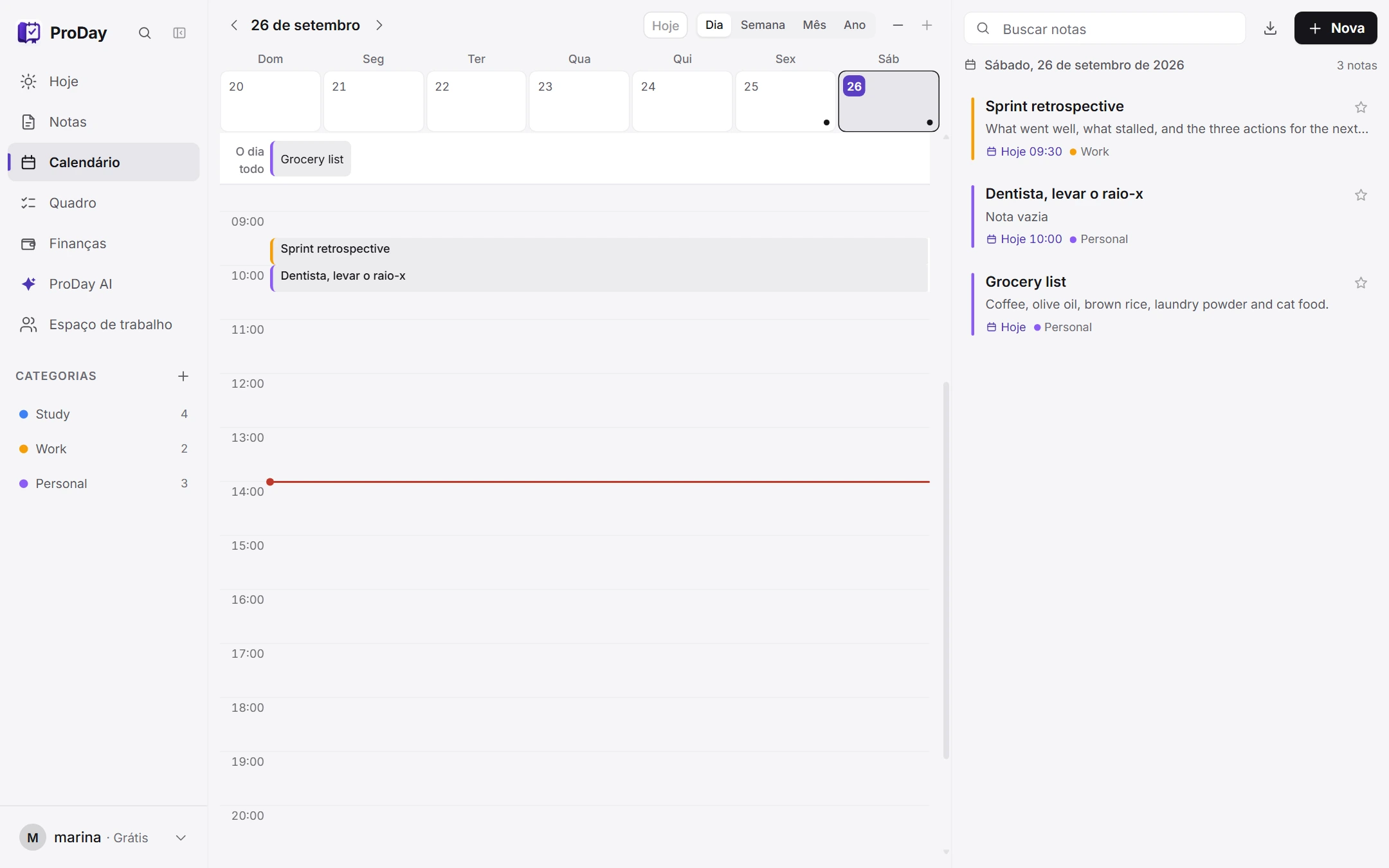
every note lands on its day
From plan to progress.
It opens without internet, runs on your phone, tablet and computer, and starts free, with no card.
How it works
Writing in one app and setting the date in another is how two halves of the same thing get lost. Here the date is a field on the note. Change it and your calendar changes with it.
A task, an idea, a meeting. However it comes to you.
Date and time are fields on the note itself, not in a second app.
The note turns up on its day. Move the date and your calendar moves with it.
The same notes, on the days they belong to.
every note lands on its day
The day's agenda, what to review and where you left off, on one screen.
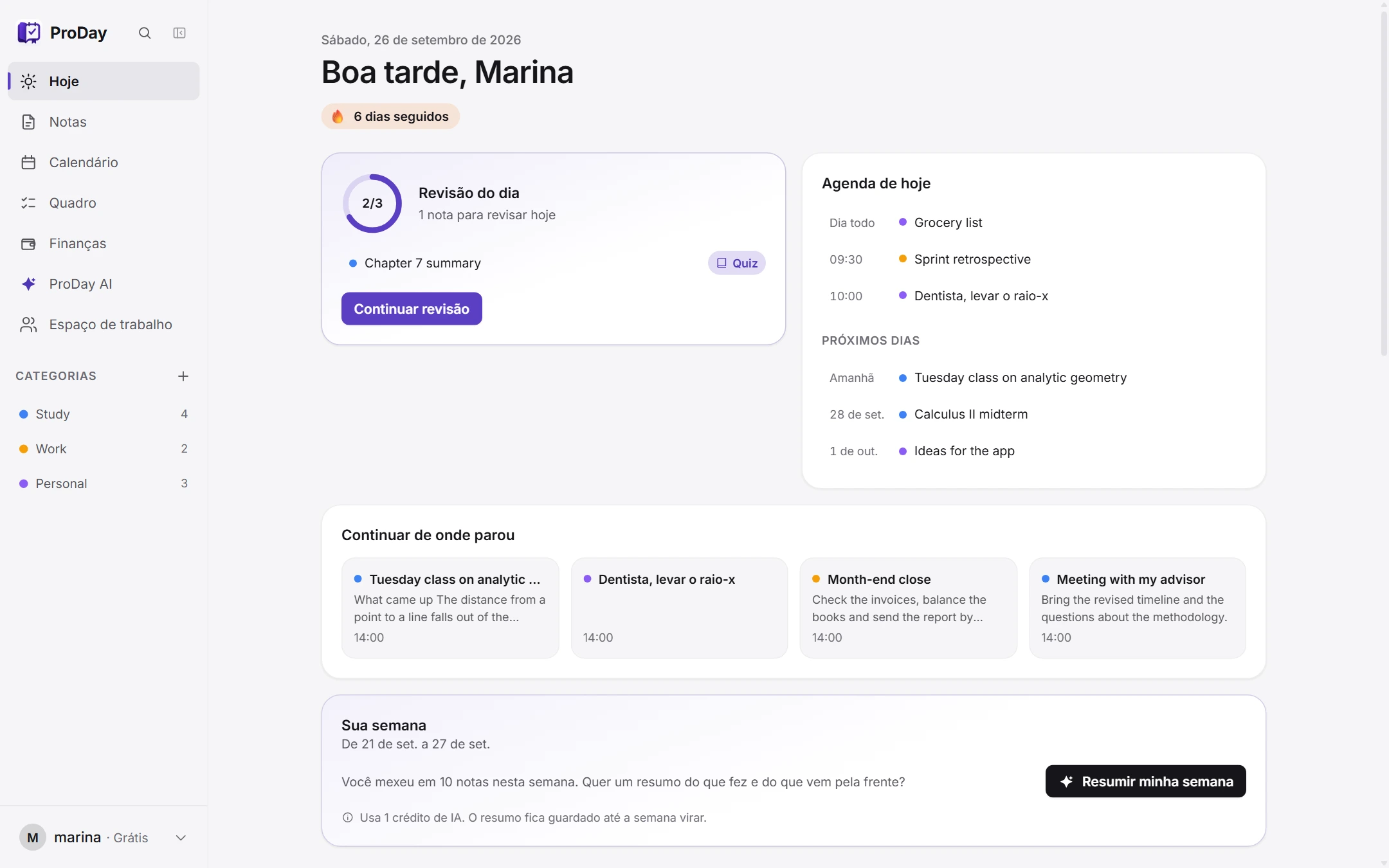
know what to review today, no thinking
What you wrote and studied this week, and at what time of day.
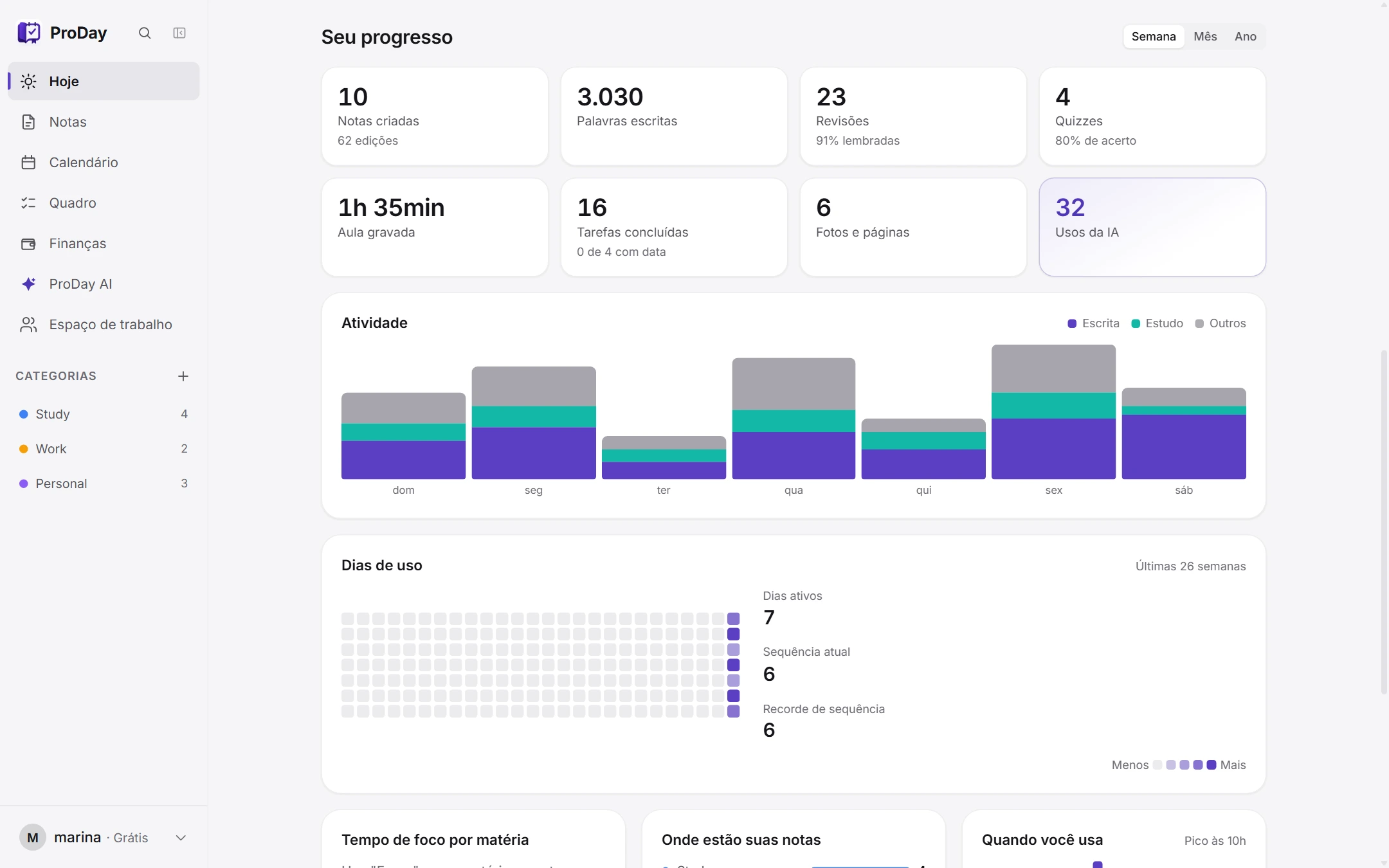
your study week, as a chart
Every note as a card, each with its date and category.
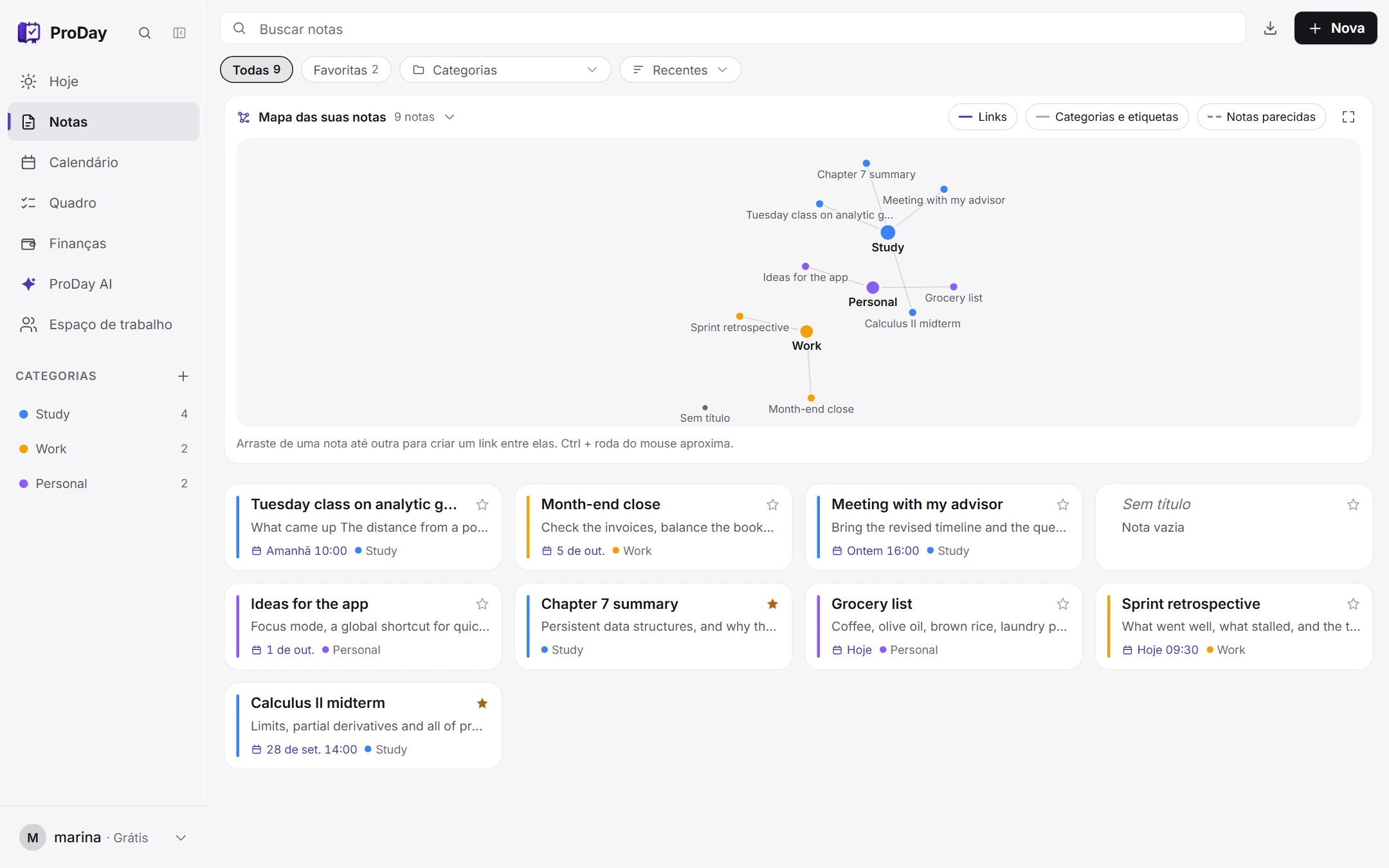
date and subject at a glance
The list on one side, the note on the other: headings, tasks, tables and formulas.
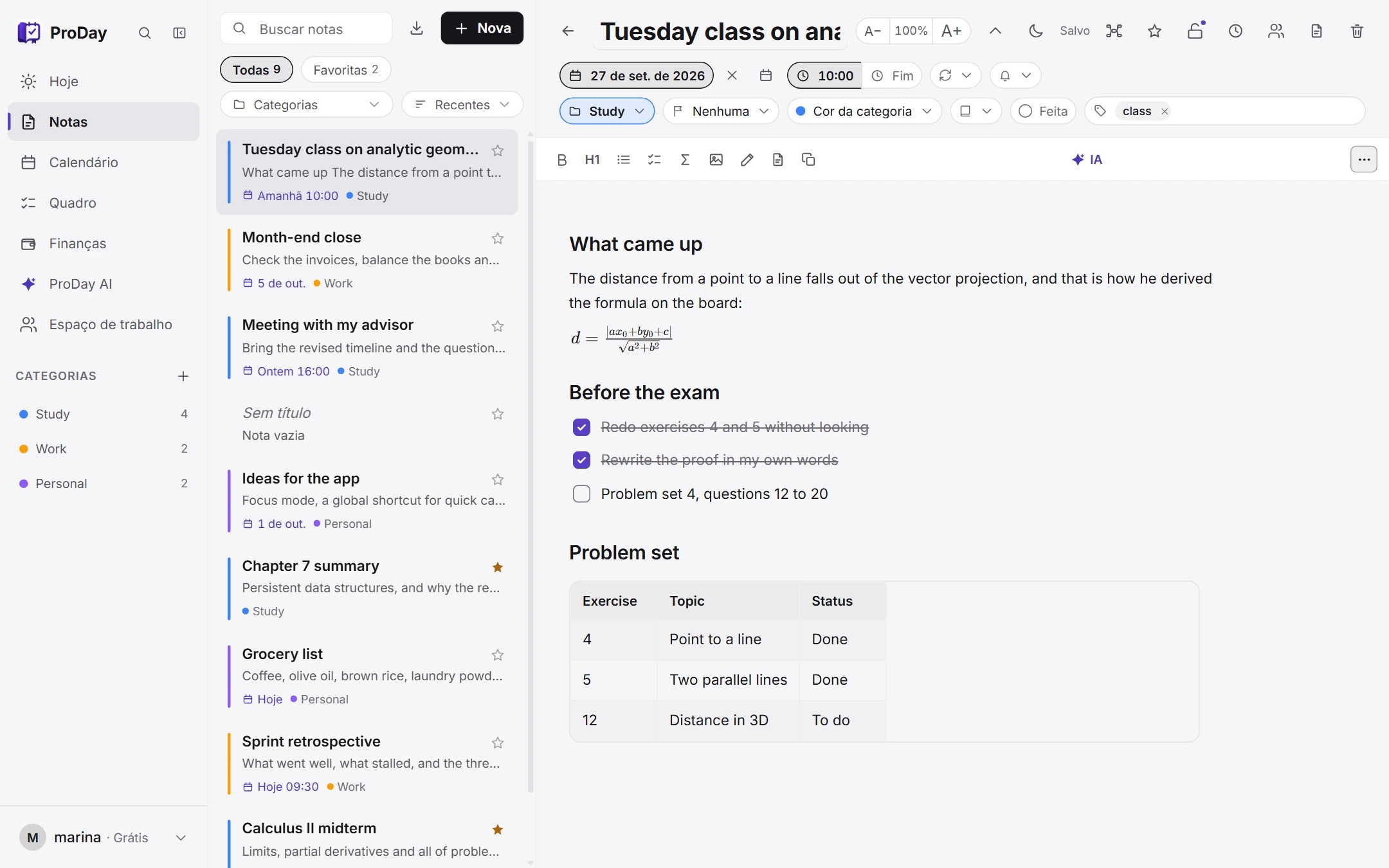
formula and checklist in one note
Money in, money out, the bills coming up and your goals, in the same app as your notes.
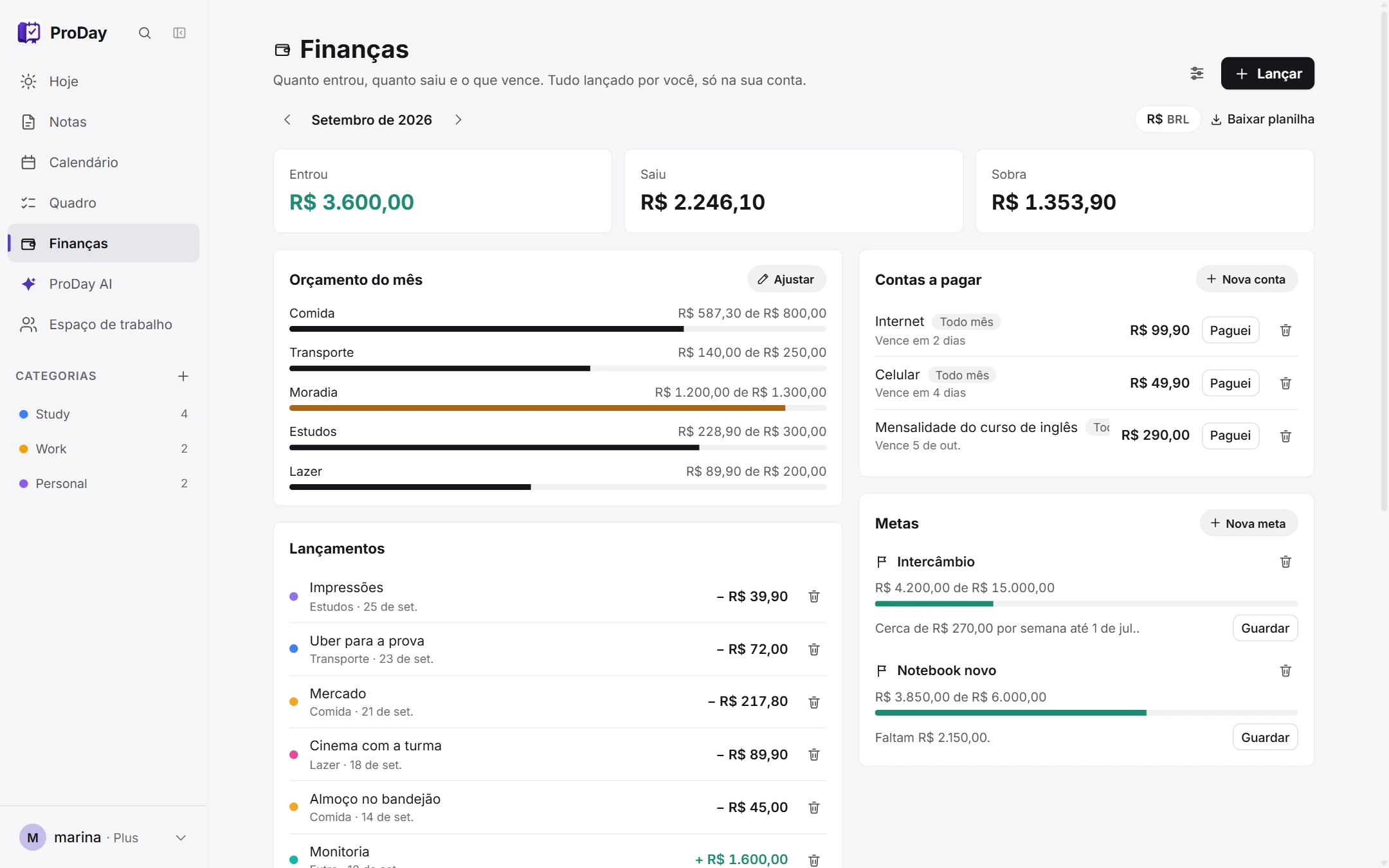
what is left to spend, per category
A note opened to somebody else, to read or to edit with you.
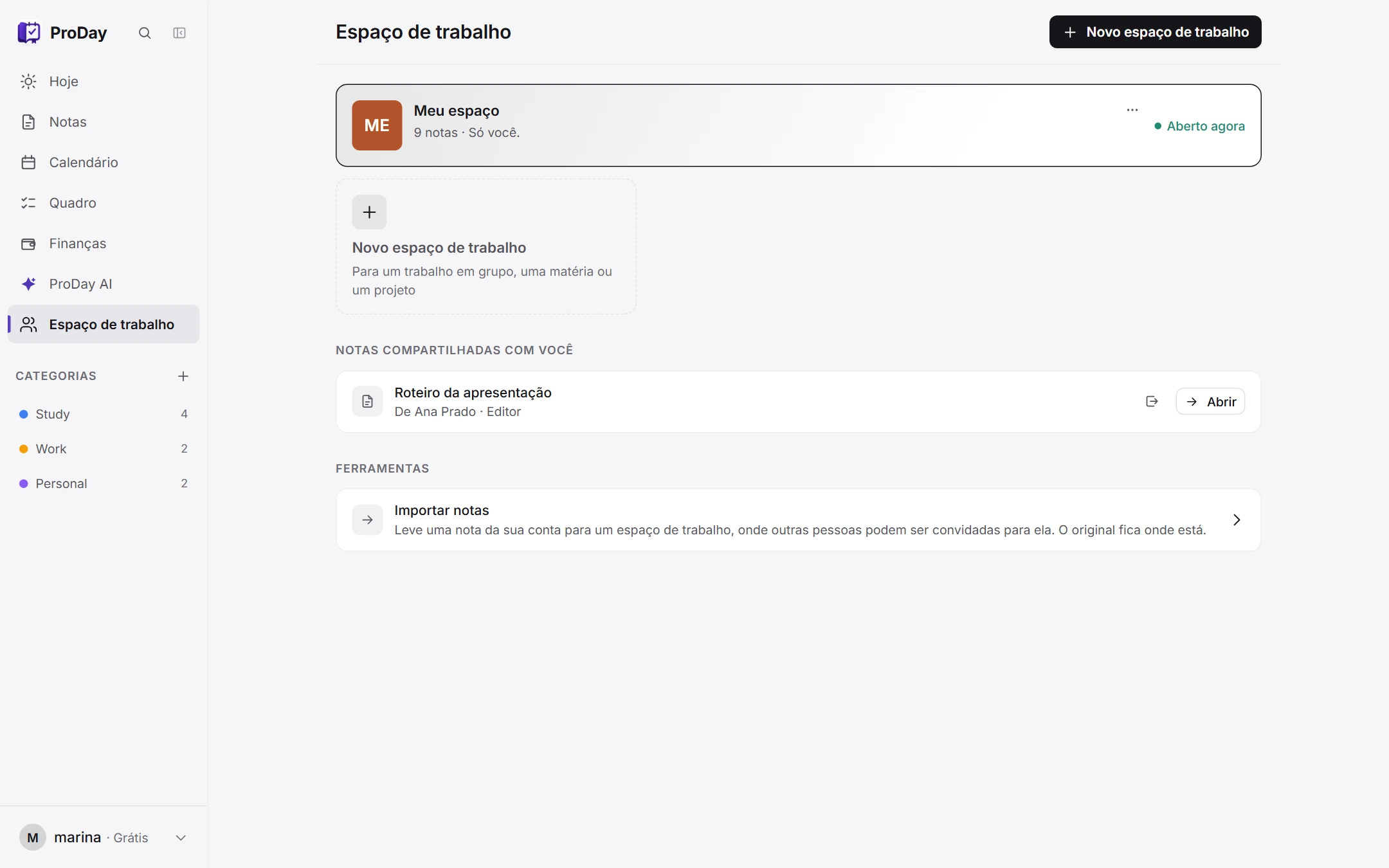
write together with your study group
Ask anything: it plans, explains and looks things up in your notes.
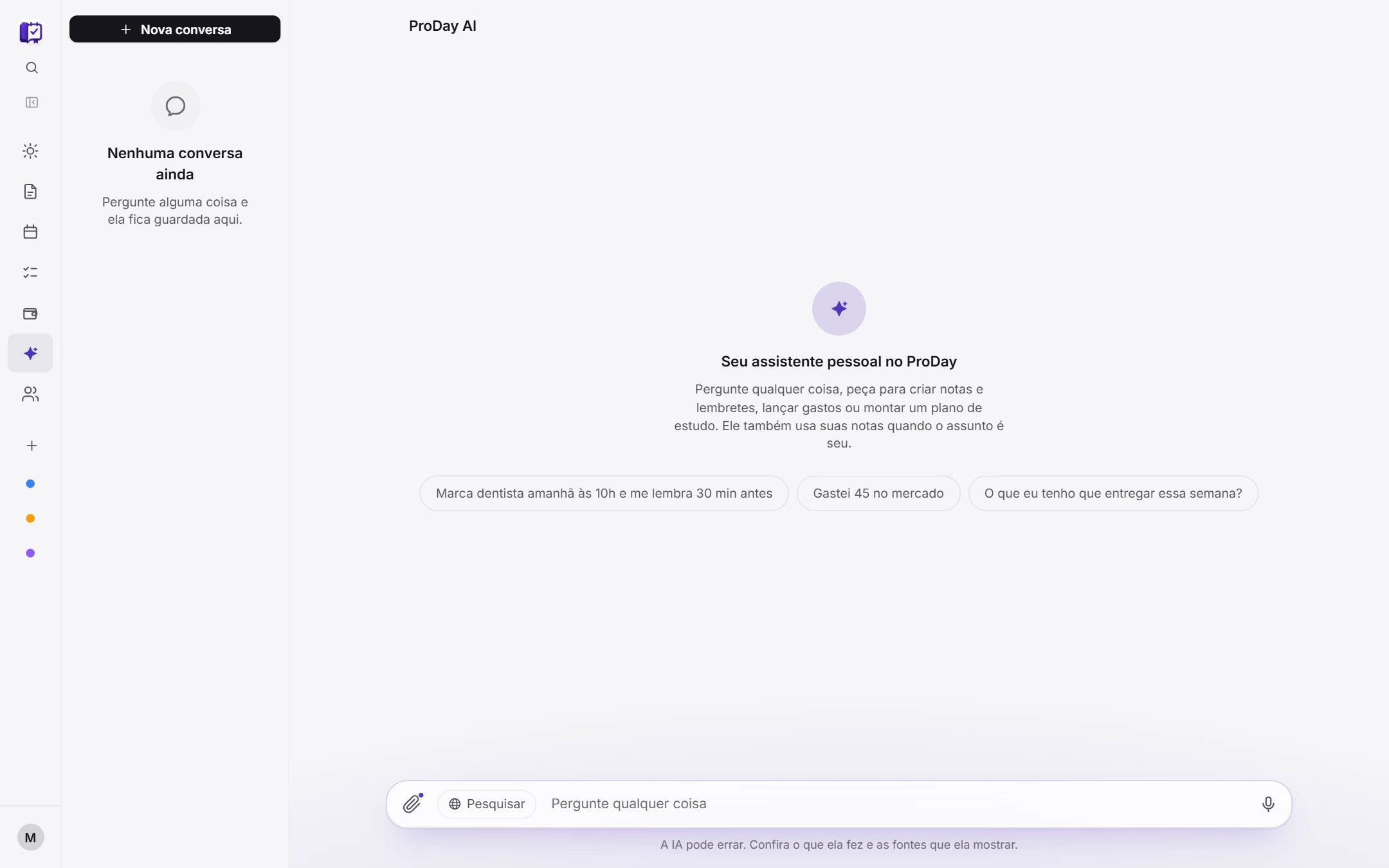
ask, and it does it for you
your turn now
Features
Today brings together the agenda, what you left half done and your pace for the week, the moment you open the app.
ProDay AI answers from what you wrote and shows the passages it used. Attach a photo or a PDF, or search the web.
Record a meeting, a conversation or an idea out loud. The speech turns into text in the note and, at the end, a summary of the topics and the dates.
Take a photo of a handwritten note or a printed page and it becomes text you can edit and search.
Date, time, repeat and reminder on the note itself. The agenda also shows up in Google, Apple and Outlook.
Share a note for someone else to read or edit with you.
Pricing
Start free. Upgrade only if ProDay earns it.
$0
No card, no trial that runs out.
Get started$4.50/month
For using ProDay AI every day.
Cancel anytime
$11.50/month
For using ProDay AI all day.
Cancel anytime
per person, from$3.44/month
For classes, study groups and schools.
From 5 people, you included
FAQ
Yes, no card and no trial that expires. The Free plan stays free for as long as you want it; what takes more AI is in the paid plans.
It answers questions from what you wrote yourself, showing which notes each answer came from. It also creates notes when you ask, reads photos and PDFs you attach, and takes a spoken question instead of a typed one.
No. The search runs on your own device, and only the handful of notes related to your question are sent to build the answer. The rest of your collection never leaves here.
In your own account, behind rules that only let you read it. Nothing you write is visible to anyone else.
Yes. Install it and it opens with no connection at all, and your notes sync the moment you're back online. Only ProDay AI needs to be online.
No app store needed. Install it straight from your phone's browser and it behaves like one.
Yes, export is built in, so nothing here is locked in.
No. Free costs nothing and asks for nothing.
Install
Start free now, or install ProDay on your computer and phone straight from the browser: no app store, its own window and icon, opening even without internet.

 ProDay